How to Connect to EPIC
The links to Acess EPIC are Very Specific and based on your LOCATION.
Connection Errors are usually due to the wrong link being used.
Second Most common issues is using an Outdated Citrix version.
Below are Step-by-Step Guides for Remote and Onsite Connection
Remote or Off-Site Connection

Shotwell Guest Wi-Fi Code
s.MissionFr33
MNHC or On-Site Connection

These errors are typically encountered when connecting to
EPIC Remotely
and do not occur when connecting on-site at MNHC.
Citrix-EPIC Connection Errors
As of 2/1/2026, Citrix 2507.1 is the version required for MNHC
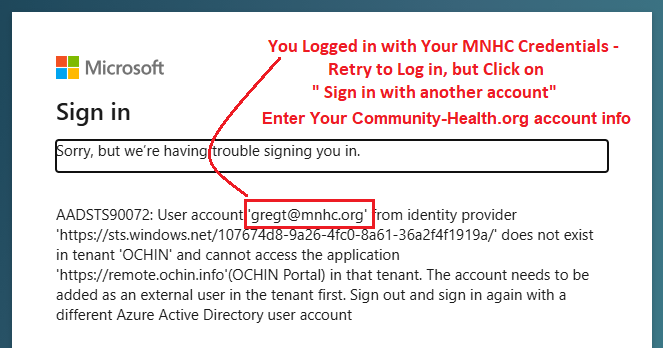
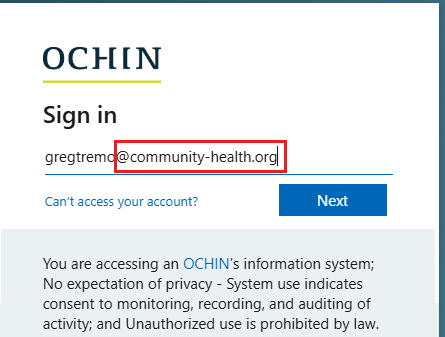
You have typed in your MNHC credentials
Enter Your Community-Health.org info
Not Your MNHC info

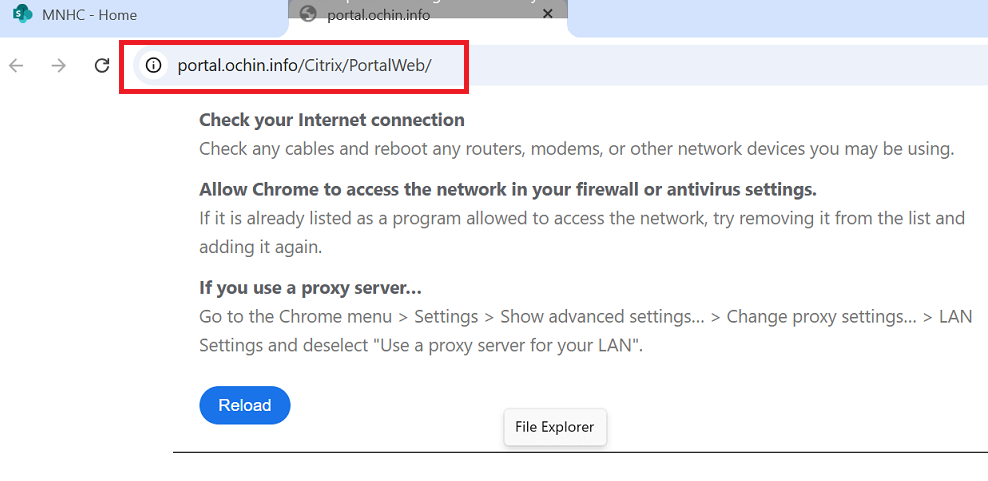
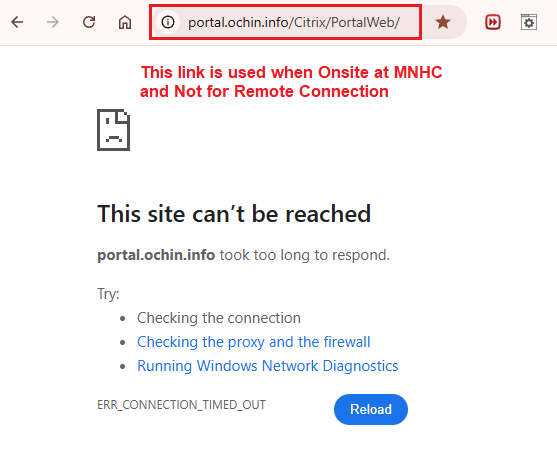
This error occurred because the wrong link was used.
The remote user tried to log in using the On-Site EPIC link instead of the remote access link.
Please make sure you use the correct link provided above when connecting.
To Switch Accounts, Retry to Log In
Either refresh your browser or close and Retry
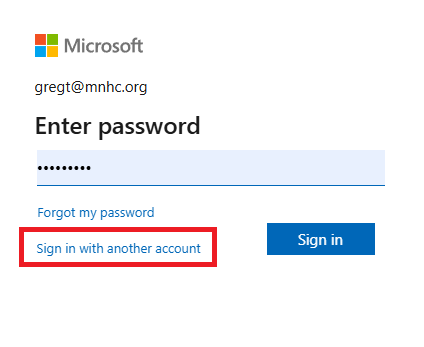
How to Log in Correctly
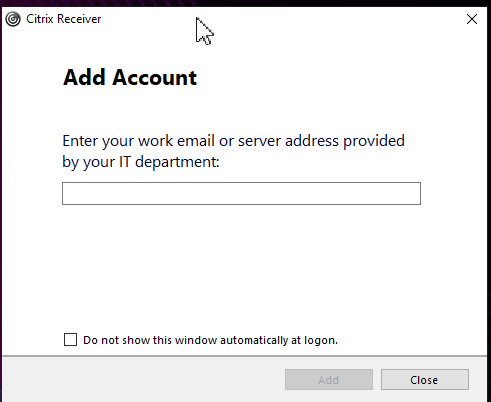
Citrix Receiver is an Outdated Version and will not work.
Uninstall and Install with 2402 Version

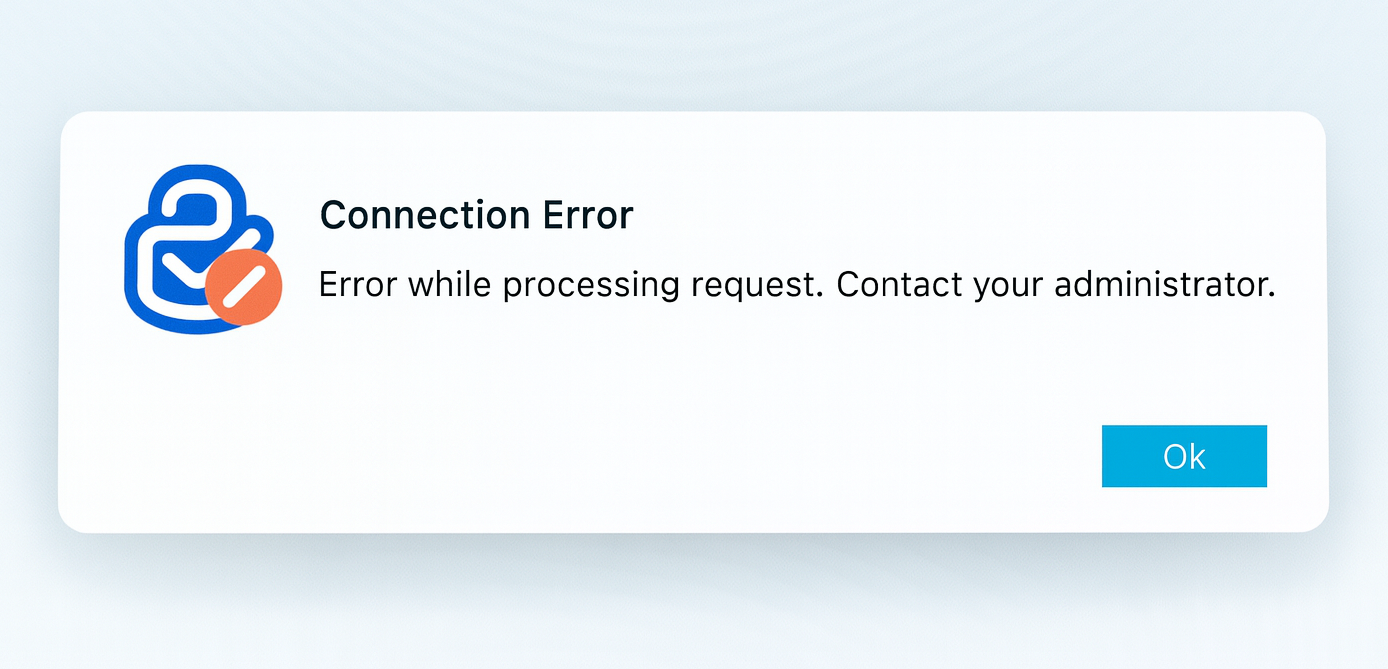
Citrix Workspace Version Issue for MAC
Older Citrix installs cause this exact error.
Install the latest Citrix Workspace for macOS
If you are running a Citrix version older than 1 year as of 2025, you may experience login failures.
I suggest downloading the most recent.


Errors from the Past
This error occurred because an incorrect link was used to establish the connection.
The remote user attempted to log in using the On-Site EPIC
link instead of the remote access link.
Please double-check that you are using the correct link provided above when connecting.