Citrix Download
As of 2/1/2026, Citrix 2507.1 is the version required for MNHC
What is Citrix Workspace?
Citrix Workspace provides secure access to virtual applications and desktops using single sign-on, multi-factor authentication, and encrypted connections.
Installation Requirements:
If you are installing Citrix on a work-issued laptop (e.g., MNHC, UCSF), installation must be completed through your organization’s IT department.
Version Notice:
Citrix versions older than one year (as of 2026) may cause login issues.
Always install the latest available version.

Citrix Install Steps for Mac
Step 1: Download the Latest Version for Mac
Citrix Workspace app
(You can search for older versions here)

DAS does not support macOS.

Here are the official release dates for the macOS versions:
- macOS 13 Ventura
Released to the public on October 24, 2022. - macOS 14 Sonoma
Released to the public on September 26, 2023. - macOS 15 Sequoia
Released to the public on September 16, 2024.
Citrix Install Steps for Mac
For Personal computers, download the file to your Downloads folder, then run the program.
Wait up to 1-2 minutes to see the first prompt. Select Agree and follow the prompts.
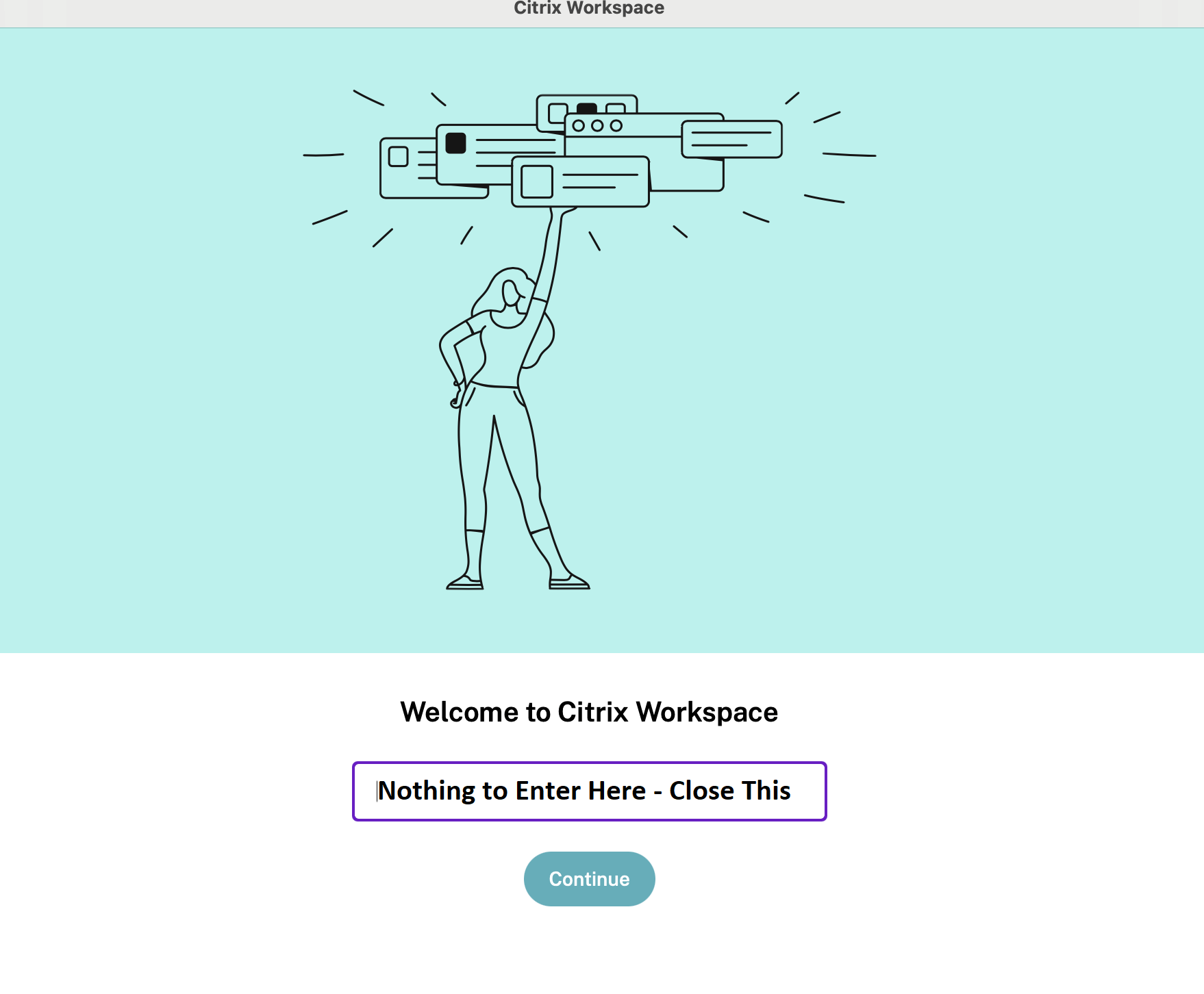
After Citrix Install, This Image Appears - Just Click "Continue"
Advanced Citrix Troubleshooting Errors - for Onsite Users